
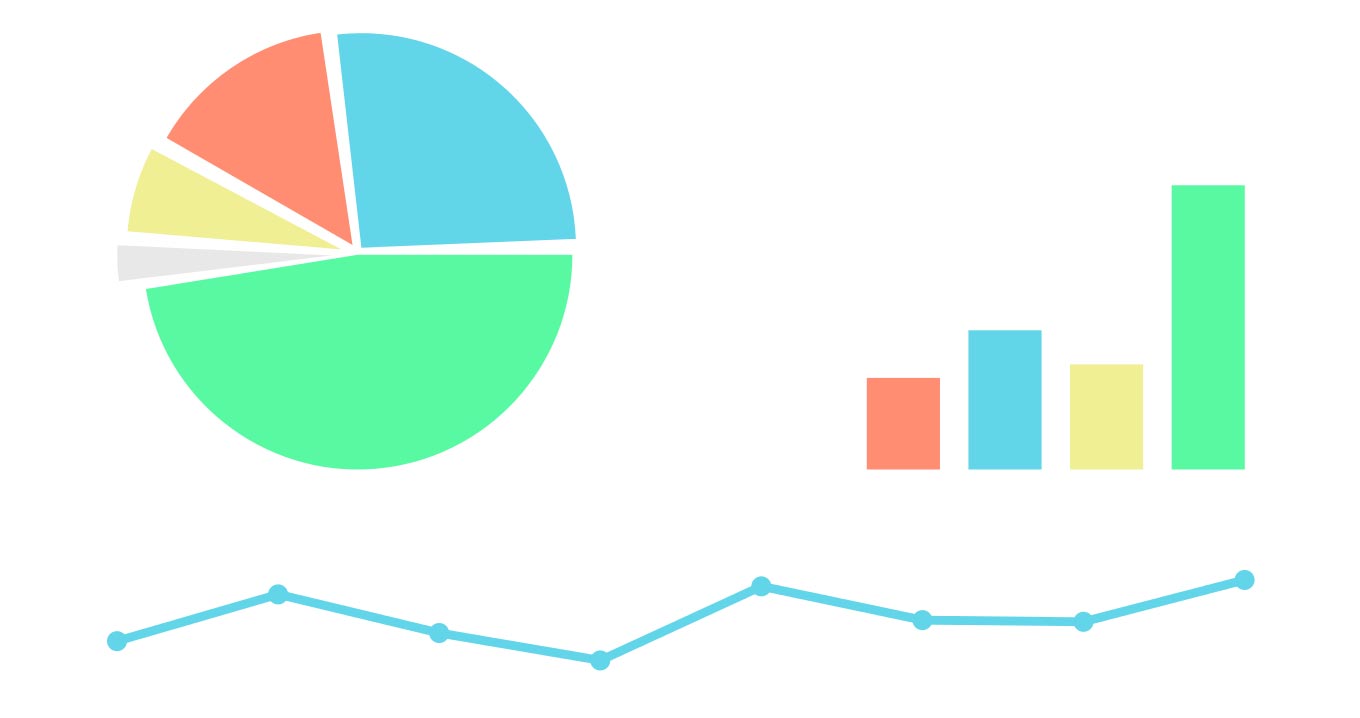
Using Excel Charts to Present Data (Part 2)

Here’s the second part for great ideas on using charts in Excel to share your data:

Diagrams are great – Another way to visually share your data is by using SmartArt to create professional-looking diagrams for organization charts, flowcharts, and more. This diagram is similar to creating a chart – simply choose the type of diagram you want to use, add your text, and then insert lines, bars, moons, suns, or whatever you want. The diagram can be tailored in almost limitless ways, including the addition of photos to the shapes in the diagram.

Take advantage of conditional formatting – Most enjoy simple, colorful things. This is why many appreciate another feature that’s been dramatically enhanced and easier to use. There is a variety of visualizations to show trends in the presented data such as color bars, symbols and more. Once you play around with these great features, you can look at them through Live Preview, which will show how the formatting will look on your data. You’ll be amazed!

When in doubt, spell it out – When you’re working on a highly complex worksheet and have difficulty in determining how everyone will understand your presentation without notations, you can easily add comments to cells (Insert Comment) in the worksheet. Your readers will know that there’s a comment exists at that particular point because a small red triangle appears in the upper-right corner of the cell. When a reader hovers the mouse pointer over the triangle, the note opens. Voila!

Frame it – Yes, this is an old trick, but, as the adage goes, “If it ain’t broke, don’t fix it!” If you want to draw a reader’s eye toward something on the page, box it. This is typical for webpages, newspapers, and magazines. If the design is done well, readers think they are getting something “extra” in that little box – and we all love getting something extra! Don’t overuse boxes, though; it might confuse your readers to read first or they may give up reading any of them.

Open yourself to feedback – And last, if you want to really know how effective your work is, invite your coworkers to review your data to see if:

  • It’s simplistic and easy to understand.
  • It’s clear enough to see what was most important on the page.
  • They have any recommendations for improvement.

So, what have we gained by learning some of these tips? Coworkers will probably smile when they see you in the office because your presentation made their day a lot easier! You made them feel more intelligent by making your data easier to understand! Who know, you might even get a lunch invitation by someone who appreciates your creativity and genius!

If you would like to know more, please contact us.
TOFU, MOFU, and BOFU Magnets

When you stack magnets, their power is exponential.


Stacking Magnets


Think about your best clients and what actions they took when first buying from you. Build magnets based on these actions. Here are examples of how to stack magnets:


Fractional CFO Service Company


  • TOFU – Cash-Flow Forecast Template for Founders.
  • MOFU – 3-part email class on “Scaling from 500K to 5M using videos.
  • BOFU – Free 30-minute “Financial Check” with a 90-day pilot option. 


. Residential HVAC / Plumbing Contractor


  • TOFU – Seasonal Maintenance Checklist to Avoid Breakdowns 
  • MOFU – Educational videos on “What To Check Before Calling For Help. 
  • BOFU – Free home system inspection plus a discount on annual plans. 


Specialty Retailer or E-Commerce Shop


    • TOFU – “Find Your Perfect Product Style” quiz with personalized recommendations and a small first-order discount. 
    • MOFU How-To Guides, Lookbooks, and Comparisons
  • BOFU – Limited-time starter kit, cart-abandonment coupons, and free shipping.

This “magnet stack” approach—clear value at each stage, linked to your core offer—will pull the right prospects from curiosity to commitment.


Getting it Done


Apex Advisory Group, a professional services firm, had four sales reps plus the owner selling and servicing clients, but deals were inconsistent and follow-up was ad-hoc.


Apex engaged CCC, www.cccsolutions.com, to help build their sustainable sales pipeline. The team focused on the ideal client’s journey, selected magnets, and created a sales process to manage prospects. The magnets were:


    • TOFU – Risk and Readiness Checklist.
  • MOFU – Quarterly Webinars and Case Studies
  • BOFU – Business Circle Invitation


CCC set up X2CRM to segment, track, and reach prospects and remind salespeople to follow up. At every stage, the CRM captured new information and responded based on specific prospect actions.


Apex Today


Apex now has a repeatable sales engine: Their magnets consistently attract new prospects, X2CRM nurtures and scores them, and the sales team focuses its energy on the best opportunities.


With CCC Solutions guiding strategy and configuration, Apex built a sustainable, measurable pipeline that increased sales while reducing the chaos of manual follow-up.


FREE ebook:
Build More Revenue with Less Follow Up Fatigue

Recent Blogs

Use Lead Magnets to Build Your Sales Engine

Use Lead Magnets to Build Your Sales Engine

Lead magnets are valuable offers that attract the right people, capture their contact information, and lead them to purchase. Concurrently, you get to see who the real prospects are!   Core Magnet Principles   Strong magnets:   Offer specific value...

Get a CRM – Are You Nuts

Get a CRM – Are You Nuts

For professional service companies like Edemco, a team of six, including three sales reps, the decision to implement a CRM wasn’t taken lightly, said Edith Demona, Edemco’s owner.  Edemco’s team felt growing pains as it managed client service, marketing, and sales. ...

Your Personal Touch Sells

Your Personal Touch Sells

Your personal touch is the reason buyers buy from you. As a seller of goods or services, connecting personally with your buyer builds the relationship needed to increase sales conversions.   Personal Touch Obstacles   Hurdles that reduce personalized...