
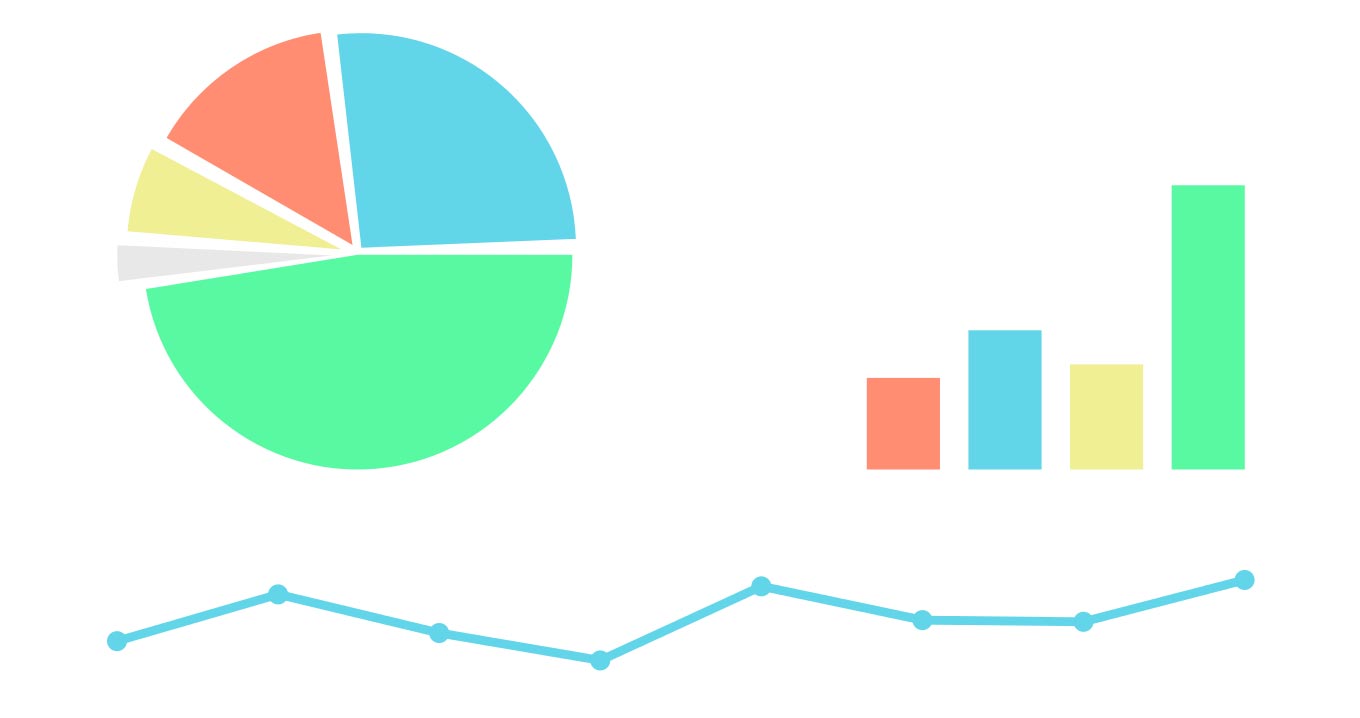
Here’s the second part for great ideas on using charts in Excel to share your data:
Diagrams are great – Another way to visually share your data is by using SmartArt to create professional-looking diagrams for organization charts, flowcharts, and more. This diagram is similar to creating a chart – simply choose the type of diagram you want to use, add your text, and then insert lines, bars, moons, suns, or whatever you want. The diagram can be tailored in almost limitless ways, including the addition of photos to the shapes in the diagram.
Take advantage of conditional formatting – Most enjoy simple, colorful things. This is why many appreciate another feature that’s been dramatically enhanced and easier to use. There is a variety of visualizations to show trends in the presented data such as color bars, symbols and more. Once you play around with these great features, you can look at them through Live Preview, which will show how the formatting will look on your data. You’ll be amazed!
When in doubt, spell it out – When you’re working on a highly complex worksheet and have difficulty in determining how everyone will understand your presentation without notations, you can easily add comments to cells (Insert Comment) in the worksheet. Your readers will know that there’s a comment exists at that particular point because a small red triangle appears in the upper-right corner of the cell. When a reader hovers the mouse pointer over the triangle, the note opens. Voila!
Frame it – Yes, this is an old trick, but, as the adage goes, “If it ain’t broke, don’t fix it!” If you want to draw a reader’s eye toward something on the page, box it. This is typical for webpages, newspapers, and magazines. If the design is done well, readers think they are getting something “extra” in that little box – and we all love getting something extra! Don’t overuse boxes, though; it might confuse your readers to read first or they may give up reading any of them.
Open yourself to feedback – And last, if you want to really know how effective your work is, invite your coworkers to review your data to see if:
- It’s simplistic and easy to understand.
- It’s clear enough to see what was most important on the page.
- They have any recommendations for improvement.
So, what have we gained by learning some of these tips? Coworkers will probably smile when they see you in the office because your presentation made their day a lot easier! You made them feel more intelligent by making your data easier to understand! Who know, you might even get a lunch invitation by someone who appreciates your creativity and genius!
If you would like to know more, please contact us.